November 1, 2025 · 3 minutes read
To create a new Starlink account, start by visiting the official Starlink website and entering your service address to check if coverage is available in your area. If service is available, you can proceed to order your Starlink kit, select your plan (residential, business, etc.), and provide the required payment details. Once you've submitted your order, you'll receive a confirmation email with instructions on creating your password, which activates your Starlink account.
Table of Contents
Step-by-Step Process (No Equipment)
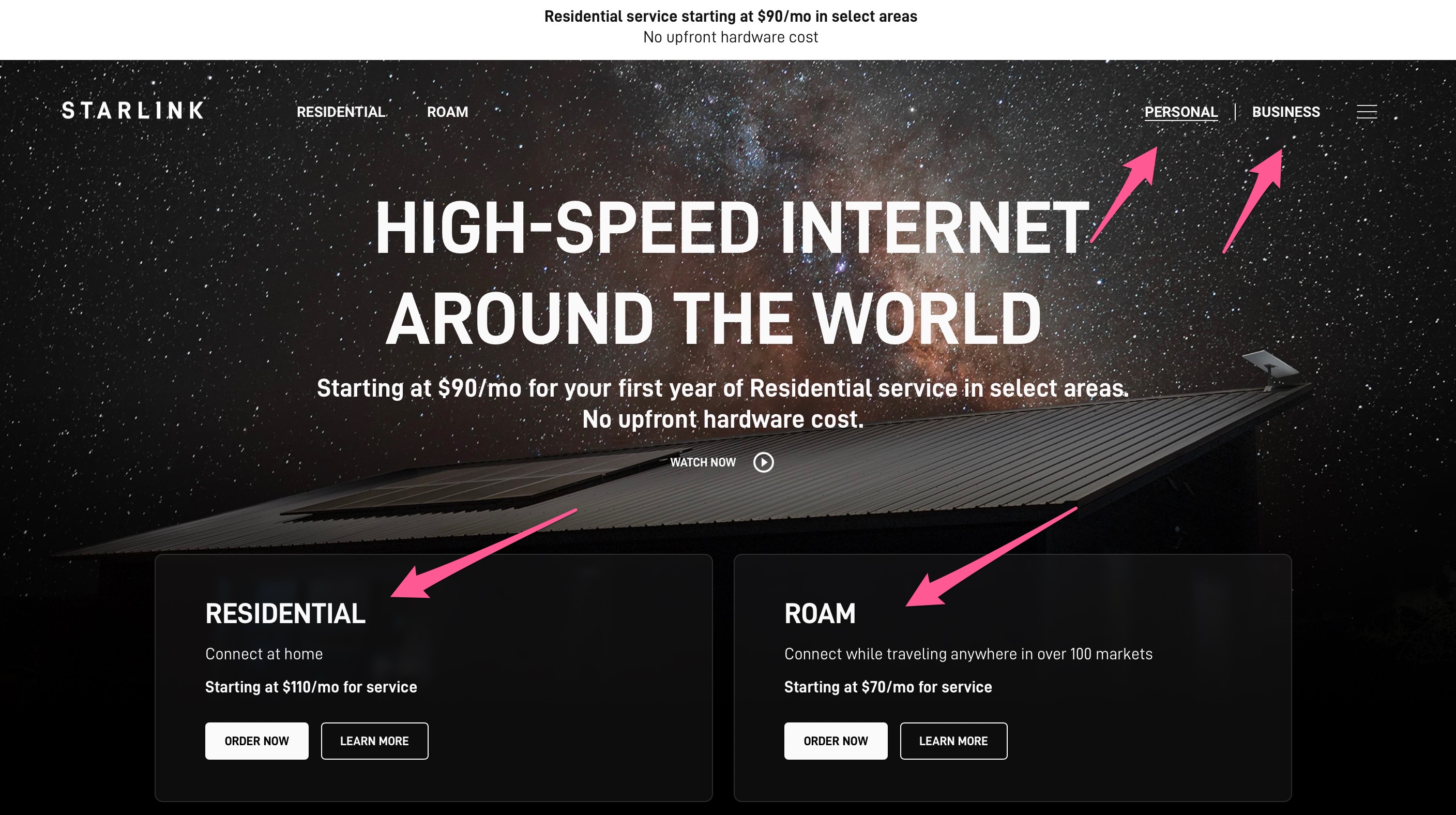
- Go to official Starlink website www.starlink.com, select Personnal or Business and Residential or Roam. Select your country, and check service availability by entering your address.
- If available, choose your plan and hardware, then complete your order with payment details.
- After ordering, open the confirmation email and follow the instructions to set your account password.
- Download the Starlink app from Google Play or the App Store to manage your account and complete the hardware setup when your kit arrives.
- If you initially join a waitlist due to capacity limits, you'll be notified when you can complete your order.


Step-by-Step Process (With Equipment)
If you already have Starlink equipment and want to create a new Starlink account, follow these steps:
- Go to the Starlink activation page at starlink.com/activate.
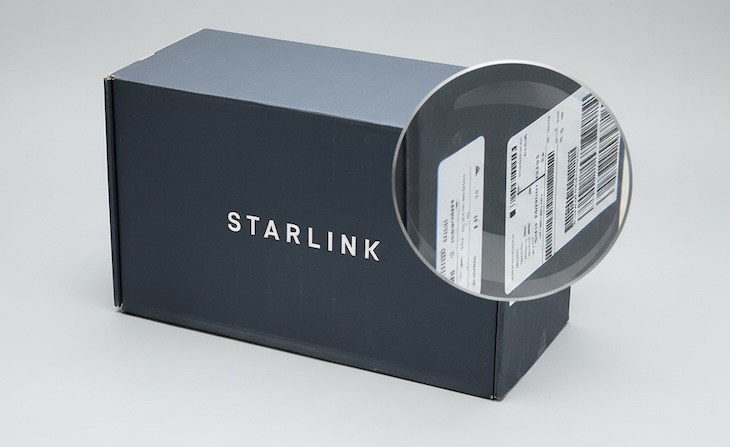
- Enter your Starlink equipment identifier (this is found on your Starlink kit box or router).
- Provide your email address to create or link your Starlink account.
- Follow the instructions sent to your email to set your account password, completing your account setup.
- Download the Starlink app from the App Store or Google Play Store to manage your service and complete the hardware setup once activated.
- Connect your Starlink equipment to power and the app, following the guided setup for WiFi configuration and satellite connection.
- If you encounter activation issues, ensure you entered the correct equipment ID and use Starlink support if needed.
This process activates your existing Starlink hardware and sets up your new account for internet
Important Notes
- Your email acts as your login username for your Starlink account.
- Apple Pay, credit/debit cards, and bank transfer are typical payment options.
- If Starlink is not available in your region yet, you may register for updates and receive notification once service becomes available.
- The activation process is the same worldwide, but be sure your local country setting matches where you use the service.
This streamlined signup and activation process enables new Starlink customers to easily begin using high-speed satellite internet service at their desired location.